Push notifications and SMS both put a short message on a phone screen within seconds, so they are often treated as rivals. They are not. They differ in reach, cost, permission, delivery rules and the kind of moment they suit. Choosing between them, or using both in the right order, can lift results and cut waste. This guide compares push and SMS across the factors that matter, gives rules for deciding which to use, shows how to combine them in a fallback sequence and covers the compliance points that apply in India and elsewhere. It assumes you have a mobile app for push and a consented phone list for SMS.
The basics of each channel
A push notification is a message sent through Apple’s or Google’s push service to an app installed on the user’s phone. It needs the app and the user’s permission, and it is delivered over the internet. An SMS is a text message sent through the mobile network to a phone number, and it needs no app and no internet connection. Our guides to push notifications and SMS marketing cover each in depth.
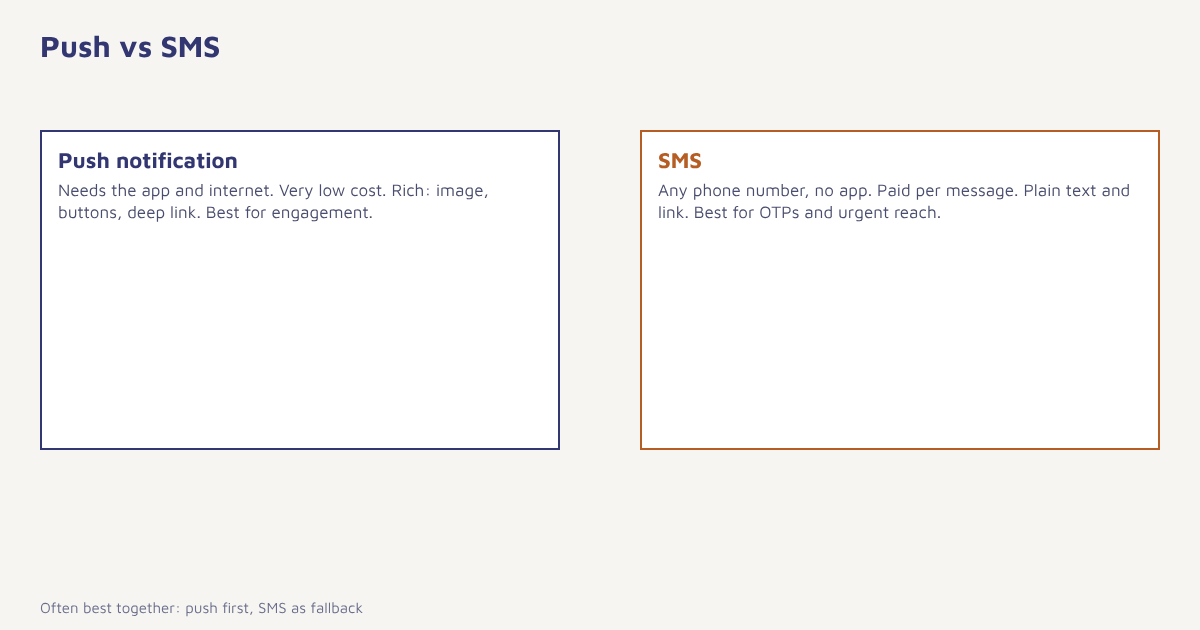
Push vs SMS at a glance
| Push notification | SMS | |
|---|---|---|
| Reach | Only users with the app and permission | Any phone number, no app needed |
| Internet needed | Yes | No |
| Cost per message | Very low, often near zero | Paid per message |
| Content | Title, text, image, buttons, deep links | Plain text and a link, limited length |
| Permission | Opt-in via the operating system prompt | Consent recorded by you, and DLT rules in India |
| Delivery | Best effort, depends on the device and settings | Generally fast and reliable on the network |
| Trust | Depends on how much the user likes the app | High attention, but also spam fears |
| Best for | Engagement, app actions, reminders | OTPs, alerts, urgent reach, users without the app |
| Risk | Users mute or uninstall | Costs add up, regulation applies |
Reach and permission
Reach is the biggest difference. Push can only reach people who installed your app, kept it, allowed notifications and have not turned them off later. On many phones, permission rates are far from universal and differ by platform, so check your own numbers. SMS reaches anyone whose number you hold and have permission to message. For a business with many customers who never installed the app, SMS reaches people push cannot. For an app-first business with high opt-in, push may cover most of the audience at almost no cost.
Cost
Push messages cost almost nothing per send, apart from the platform fee. SMS is billed per message, and rates depend on the route and message type. In India, SMS also requires registration of senders and templates on the DLT platform; see our DLT guide and SMS templates. Because of the cost difference, many teams use push first for non-urgent messages and keep SMS for messages that justify the price, such as one-time passwords, payment alerts and high-value reminders. Do the sums for your own sends rather than relying on rules of thumb.
Content and experience
Push messages can include a title, body, image and action buttons, and they can open a specific screen in the app. That makes them better for guiding people through an action, such as completing an order or viewing a new item. SMS is plain text with a link, which can feel more direct but gives you less room. Keep either one short and clear, with a single call to action. For more on format, see notification badges and silent push for the quieter parts of the push toolkit.
When to use which
| Situation | Better choice | Why |
|---|---|---|
| One-time password or login code | SMS | Works without the app and often without data |
| Payment or security alert | SMS, plus push if available | Reach and trust. Regulatory duties may apply |
| Order shipped or out for delivery | Push first, SMS as fallback | Useful but not critical |
| Cart reminder | Push for app users, email or WhatsApp otherwise | Low cost and deep-link to cart |
| New feature announcement | Push or in-app. See in-app messaging | Contextual, no per-message cost |
| Flash sale for all customers | SMS and push, with a cap | Reach beyond app users |
| Customers without the app | SMS or WhatsApp. See email vs SMS vs WhatsApp | Only way to reach them quickly |
| Appointment reminder | SMS, with push if the app is used | Reduces no-shows |
Use both: the fallback sequence
A common pattern is to try the cheaper, richer channel first and fall back to the other only when needed. For example, send a push notification about a delivery. If the user has not opened the app within two hours and the message is still useful, send an SMS. Always stop the sequence when the person has acted. This approach saves money and avoids double messages, and it needs a system that knows what each person did.
- Define the goal and urgency. Is the message critical, time-sensitive or optional?
- Check permissions. Only use channels the person has agreed to.
- Send on the lead channel. Usually push for app users.
- Wait for a defined time. Long enough to act, short enough to matter.
- Check the outcome. Opened, clicked or converted? If yes, stop.
- Fall back. Send SMS or another channel only if the message is still useful.
- Cap frequency. Limit total messages per person per day and per week.
In Flowfox, a journey can wait, check whether the push was opened and then branch to SMS, WhatsApp or email. The push and SMS channels share one contact profile and one consent record, so channel permissions are respected automatically. The omnichannel guide explains the thinking behind this.
Compliance and etiquette
SMS marketing in India is regulated by TRAI rules and requires registered senders, content templates and consent handling, and promotional messages face time and preference restrictions; check the current rules with your SMS provider or advisor, since they change. Push needs the user’s permission at the operating system level, but you should still explain the value before asking. Both channels must respect the person’s right to opt out, and the data you use to target them is covered by privacy law; see our DPDP Act guide. Avoid sending late at night, avoid repeating the same message on both channels and avoid sending promotional messages in a transactional template. For the wider picture of messaging regulation, the TRAI page is a starting point.
A worked example
A grocery delivery app has 200,000 customers, of whom 120,000 have the app with notifications enabled. For order updates, it sends push first. For the 80,000 customers without push, it sends SMS for the same updates, limited to delivery-time changes. For a weekend promotion, it sends a push to the app group and, only for customers who bought in the last 60 days and consented to SMS, a short SMS the following morning if they have not opened the app. The team measures conversion per message and cost per order for each route. It finds that push drives most orders at low cost, SMS wins back customers who ignore the app, and the combined cap prevents annoyance. The app, numbers and results here are invented to illustrate the logic.
How to measure which works better
Compare channels on the same audience and message. Split similar customers randomly into groups: push only, SMS only and push with SMS fallback. Measure conversion, revenue per recipient, cost per conversion, unsubscribe or opt-out rate and uninstall rate. Run it for long enough to include different days of the week. See A/B testing and metrics. Channel preferences differ between customers, so also build segments by preferred channel, as described in our guide to behavioral segmentation, and let each person’s past behaviour decide the lead channel.
Common mistakes
- Using SMS for everything. Costs climb and attention drops.
- Using push for critical alerts only. Delivery is best effort.
- Sending the same message on both. It feels like spam.
- Asking for push permission on first open. Explain the value first.
- No cap. Total volume across channels is what annoys people.
Push is the conversation inside your app. SMS is the knock on the door when the app is not around.
Send on the right channel, with a fallback. Combine push, SMS, WhatsApp and email in one journey.
Read next: customer engagement, product launch marketing and the blog.
Frequently asked questions
What is the difference between push notifications and SMS?
Push notifications are delivered through the internet to an app and need permission, while SMS goes over the mobile network to any phone number and needs no app.
Which is cheaper, push or SMS?
Push is usually far cheaper per message. SMS is billed per message, and in India it also needs DLT registration and templates.
Which has better reach?
SMS reaches any phone number you have consent for. Push only reaches users who have the app and have allowed notifications.
Which is better for OTPs and alerts?
SMS is the usual choice for OTPs and critical alerts because it works without the app and often without data.
Can I use push and SMS together?
Yes. A common pattern is to send push first and fall back to SMS if the message is still useful and the user has not acted, with caps on total volume.
Do I need consent for push and SMS?
Yes. Push needs the user’s permission, and SMS marketing needs recorded consent and compliance with local rules such as TRAI regulations in India.
How do I decide which channel to use?
Consider reach, urgency, cost, content and consent. Test channels on similar audiences and let results and individual preferences guide the lead channel.