Most people understand email automation in theory: set it up once and it sends the right message at the right moment. The hard part is knowing which automations to build first and what they should actually say. This guide walks through twelve email automations that work for ecommerce, SaaS, education and service businesses, with the trigger, timing, content idea and goal for each, plus a plan for building them in order, how to measure them and the mistakes that make automations annoying. It pairs with our broader guides to marketing automation and drip campaigns.
What counts as an email automation?
An email automation is a message, or a short series of messages, that sends itself when a condition is met: a person signs up, buys, abandons a cart, goes quiet or hits a date. The condition is the trigger, the delay is the wait and the check that stops the flow once the goal is met is the exit. The idea comes from the wider field of marketing automation. Because the messages respond to behaviour, they tend to feel more relevant than a campaign sent to everyone at once.
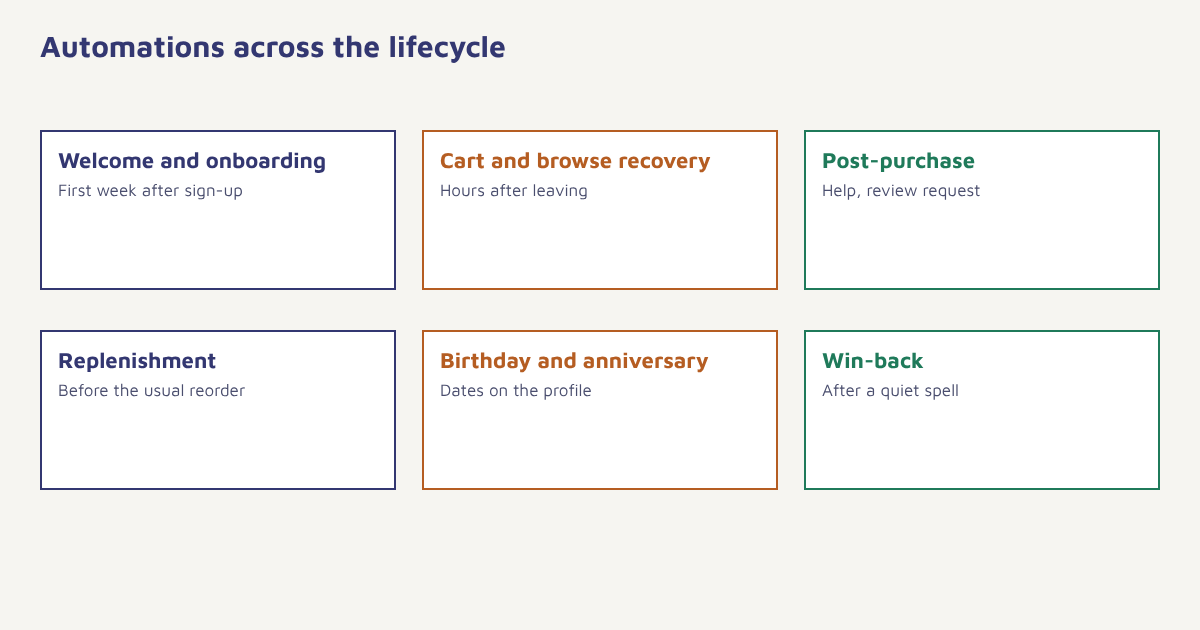
Twelve email automations to build
| Automation | Trigger | Timing | Goal |
|---|---|---|---|
| 1. Welcome series | Sign-up or first account | Immediately, then over the first week | Introduce the brand and drive a first action |
| 2. Onboarding | Account created, key action not done | Day 1, 3, 7 depending on behaviour | Get the user to their first success |
| 3. Abandoned cart | Cart with items, no order | 1 to 4 hours, then 1 day, optional third | Recover the sale |
| 4. Browse abandonment | Viewed products, no cart | Several hours later | Bring back interested visitors |
| 5. Order confirmation and shipping | Order placed, shipped | Instantly | Reassure and reduce support queries |
| 6. Post-purchase follow-up | Delivery confirmed | A few days after delivery | Help the customer use the product, ask for feedback |
| 7. Review request | Delivered, used for a while | 1 to 2 weeks after delivery | Collect reviews and ratings |
| 8. Replenishment reminder | Time since last order of a consumable | Just before the usual reorder date | Repeat purchase |
| 9. Cross-sell | Bought product A | 1 to 3 weeks later | Suggest relevant extras |
| 10. Birthday or anniversary | Date on profile | On or just before the date | Delight and encourage a purchase |
| 11. Win-back | No activity for a set period | After 60, 90 or 180 days depending on cycle | Reactivate or clean the list |
| 12. Renewal or expiry | Subscription or offer ending | Weeks before and days before | Retain the customer |
You do not need all twelve at the start. The first four or five usually give the most return. Most of the rest are refinements.
What each one should say
Welcome series
Send the first message within minutes. Say thank you, deliver anything promised, explain what to expect and give one clear next step. Follow with one or two emails over the next days that show your best content or products. See welcome email series.
Abandoned cart
Show the items left behind with images, answer likely doubts (delivery time, returns, payment options) and make returning one click. Only add a discount in a later email, and only if margins allow. Read abandoned cart recovery.
Browse abandonment
Softer than the cart reminder. Show the products they looked at and a few similar ones, and avoid implying you are watching them. Use only data you have consent to use, as covered in our DPDP Act guide.
Post-purchase and review request
Start with usage help, not a request. Once the product has had time to prove itself, ask for feedback with a one-tap rating. See user-generated content and customer feedback loops.
Replenishment
For products that run out, such as coffee or skincare, use the average gap between orders to time a gentle reminder with an easy reorder button.
Win-back
Acknowledge the gap, offer something genuinely useful and make leaving easy. If there is no response after a short sequence, stop sending. See win-back campaigns.
How to build your automation programme
- Pick the first flows by value. Usually welcome, abandoned cart and post-purchase for stores, welcome and onboarding for software.
- Define the trigger and exit. Exactly what starts it and what ends it. A cart flow should stop when the order is placed.
- Write the whole sequence. Plan every email, wait and branch before building.
- Add conditions. Skip people who already did the action, or who recently received a message.
- Set frequency limits. Cap how many automated and campaign emails one person can receive per week.
- Test end to end. Use a test profile to walk through every branch and check links, personalization and timing.
- Launch to a small share first. Watch metrics and spam complaints, then roll out.
- Review monthly. Look at each step’s performance and improve the weakest.
In Flowfox, these are built in the journey builder with triggers from your event data, waits, branches and goals, and the messages are designed in the email builder. Sector examples are on the ecommerce, SaaS and edtech pages, and the onboarding and retention use cases show full flows.
Journey: Abandoned cart
Trigger:  event cart_updated with items > 0
Wait:     2 hours
Check:    has event order_placed since trigger?  -> yes: exit
Send:     Email "You left something behind"
Wait:     1 day
Check:    has event order_placed since trigger?  -> yes: exit
Send:     Email "Still thinking it over?" (answers to common questions)
Goal:     order_placed
A worked example (invented)
A small online tea shop sends a monthly newsletter and nothing else. Over three months, it adds a three-email welcome series, a two-email cart recovery and a replenishment reminder for loose-leaf teas, timed at 28 days after purchase. After the first quarter, the owner finds that the automated flows produce a larger share of email revenue than the newsletter, with a fraction of the weekly effort. The welcome series also reduces early unsubscribes because new subscribers know what to expect. Then comes a mistake: the replenishment email was sent to customers who had bought a gift set, who do not reorder tea for themselves. The fix is a condition that only sends it to customers who bought a single-variety pouch. The shop and numbers are invented, but the lesson is real: a good automation needs the right condition as much as the right copy.
How to measure automations
| Metric | Why | Note |
|---|---|---|
| Conversion or goal rate | Did the flow achieve its purpose? | The main measure |
| Revenue per recipient | Money value per person entering | Compare with campaigns |
| Click-through rate | Interest in the message | More reliable than opens. See email open rate |
| Unsubscribe and complaint rate | Annoyance signal | Watch per step |
| Drop-off by step | Where people leave the flow | Improve the weak step |
| Time to goal | Speed of conversion | Adjust waits |
Use a small holdout group, say 5 to 10 percent, that does not receive the flow so that you can see what would have happened anyway. Without one, you may credit the automation with sales that were coming regardless. For the wider discipline, see email marketing. Read holdout testing for the principle, and our guide to A/B testing for how to compare variants.
Common mistakes
- No exit condition. People keep getting a cart reminder after they have bought.
- Stacking flows. A customer can land in four automations at once without frequency rules.
- Set and forget. Offers, prices and links go stale.
- Ignoring consent. Use only data and channels people agreed to.
- Everything on email. Some moments suit WhatsApp or SMS. See email vs SMS vs WhatsApp.
The best automation feels like attention, not automation. It arrives when you need it and stops when you have done what it asked.
Build your first automated flow. Set triggers, waits and goals, and send through email, WhatsApp, SMS or push.
Read next: welcome email series, WhatsApp commerce and the blog.
Frequently asked questions
What is email automation?
Email automation sends messages automatically when a condition is met, such as a sign-up, a purchase, an abandoned cart or a period of inactivity.
What are the best email automations to start with?
Most businesses start with a welcome series, abandoned cart recovery, a post-purchase follow-up and, for software, onboarding emails.
How many emails should an automated series have?
It depends on the goal. A welcome series often has three to five emails, a cart recovery two or three and a win-back two to three. Stop if people do not respond.
How do I stop automated emails from annoying customers?
Add exit conditions, frequency caps across all flows, relevance checks and easy unsubscribe options, and test every branch before launch.
How do I measure email automation success?
Track goal conversion, revenue per recipient, click-through rate, unsubscribes and complaints, and compare against a small holdout group.
Should automations include discounts?
Not always. Use value first, and keep discounts for later steps or for segments that need them, because routine discounts can train customers to wait.
Can automation work across channels?
Yes. A journey can combine email with WhatsApp, SMS or push, choosing the channel by consent and preference.